01 / ENGLISH · VOICE & MUSIC
Minutrel — Open-source time tracking, by project
A clear introduction to Minutrel: open-source time tracking by project, useful work notes and reports, on your own computer or your own team server.
Time tracking · Open source & self-hosted
Time for your projects, together. Track time, keep a record of your work and prepare your reports. Work on your own or with a team, while keeping control of your data.
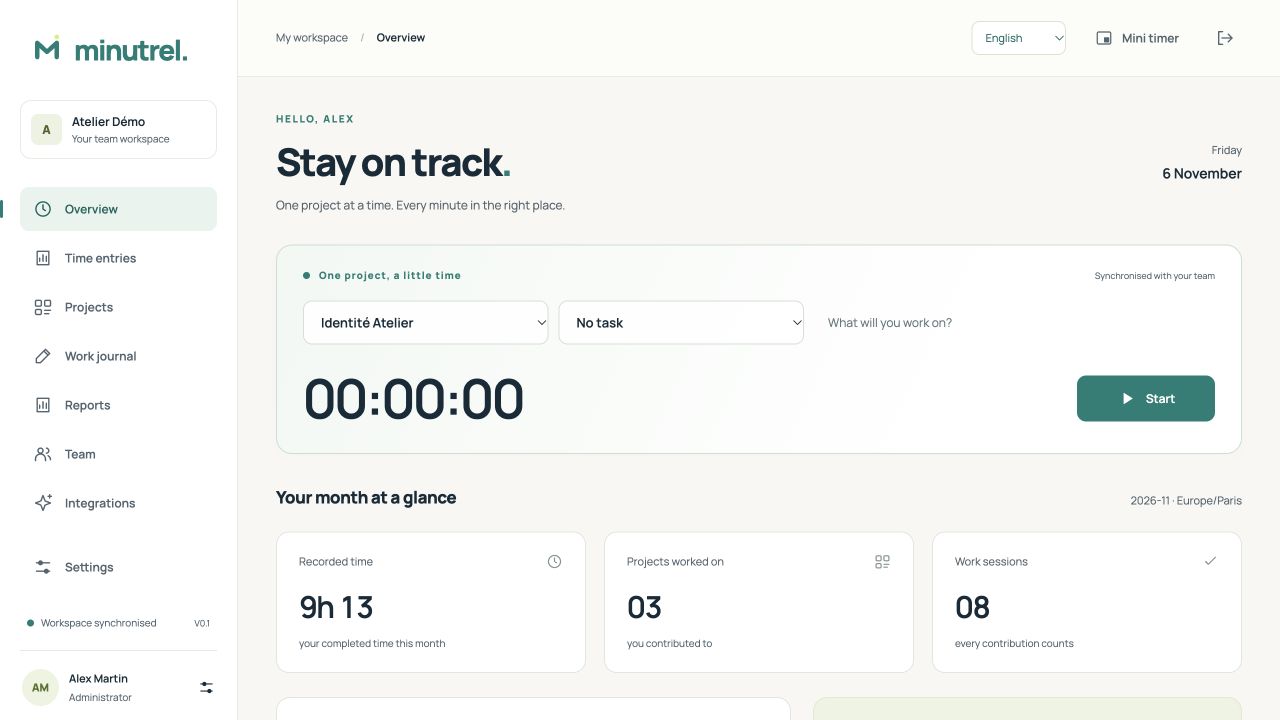
ACTUAL SCREENSHOT · SAMPLE DATA
MINUTREL / VIDEO
Two videos to understand Minutrel and start tracking your work.
01 / ENGLISH · VOICE & MUSIC
A clear introduction to Minutrel: open-source time tracking by project, useful work notes and reports, on your own computer or your own team server.
02 / ENGLISH · VOICE & MUSIC
Follow a project from selecting it and recording a session to adding time, sharing a note and exporting a report.
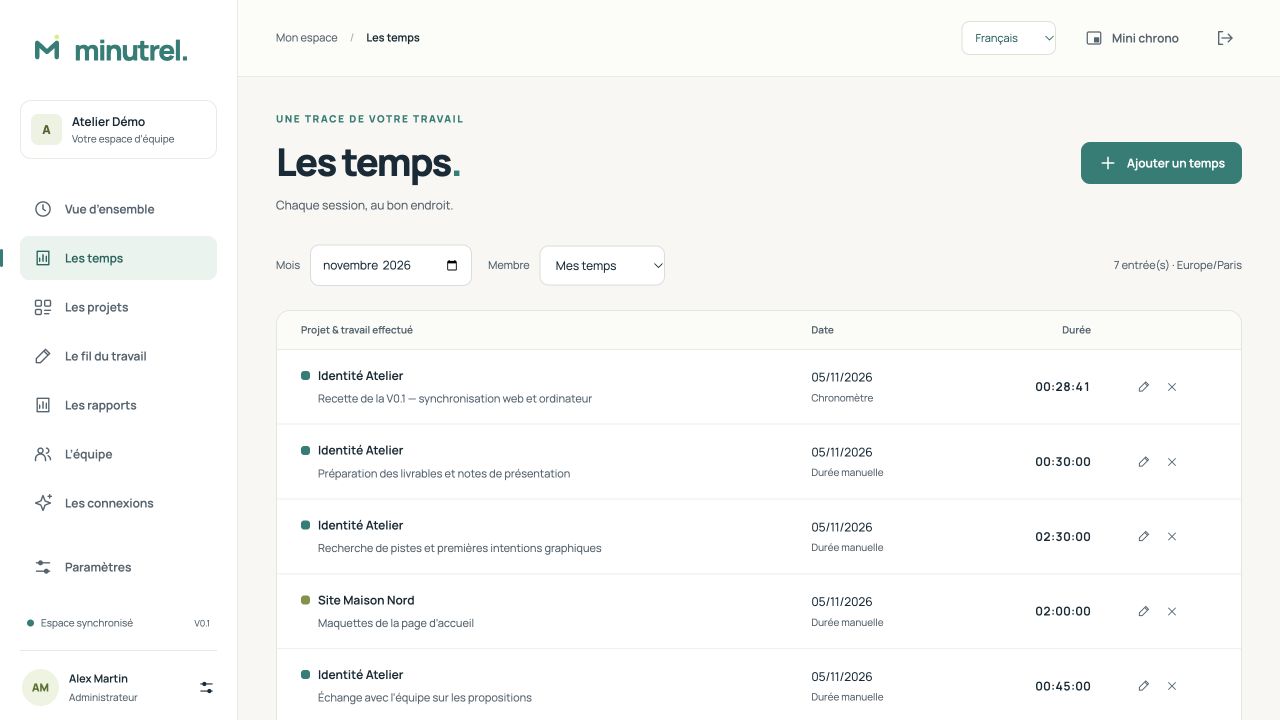
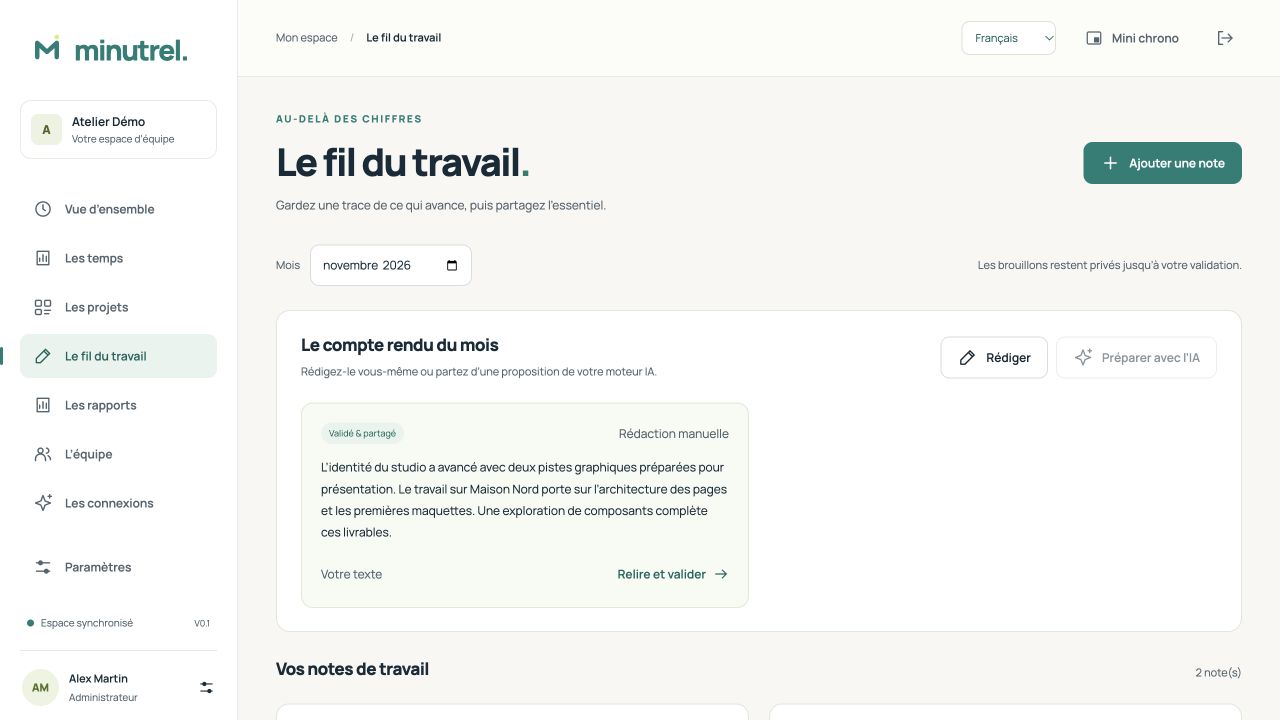
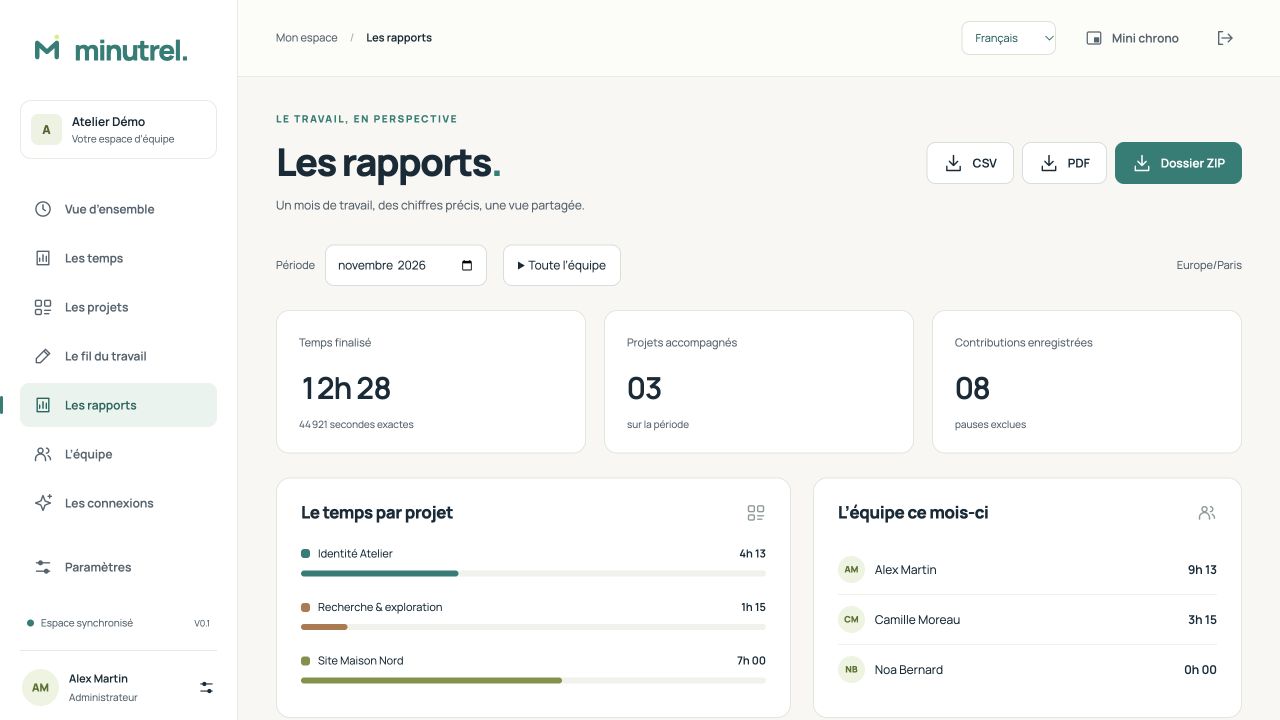
A thread from start to finish
From your first click to the monthly review, connect the time you spend with the work you complete.
Give it a try
Start this demo timer. Pause, resume and finish. Only the seconds you spend working are added up.
In the desktop app, the mini timer stays accessible above ordinary windows.
Explore the mini timer INTERACTIVE DEMO
Ready to start.
This demo runs only in this page. Nothing is sent or kept after reloading. The projects are fictional.
Your way of working
Choose how to use Minutrel. Personal and team workspaces stay separate; you choose which completed entries to transfer.
Work on your own, without a server or an online account. Your projects, time entries, notes and exports stay on this computer.
No connection neededOne local personal profilemacOS, Windows and LinuxStart on your ownThe same projects and accounts on the web and desktop. Your team’s server brings the work together.
Three roles and project assignmentsOffline time entries on desktopSync when the network returnsUnderstand team sharingOpen your team’s HTTPS address. Access your projects, timer and reports without installing a client.
Server connection requiredA layout that adapts to small screensFrench, English and GermanJoin a team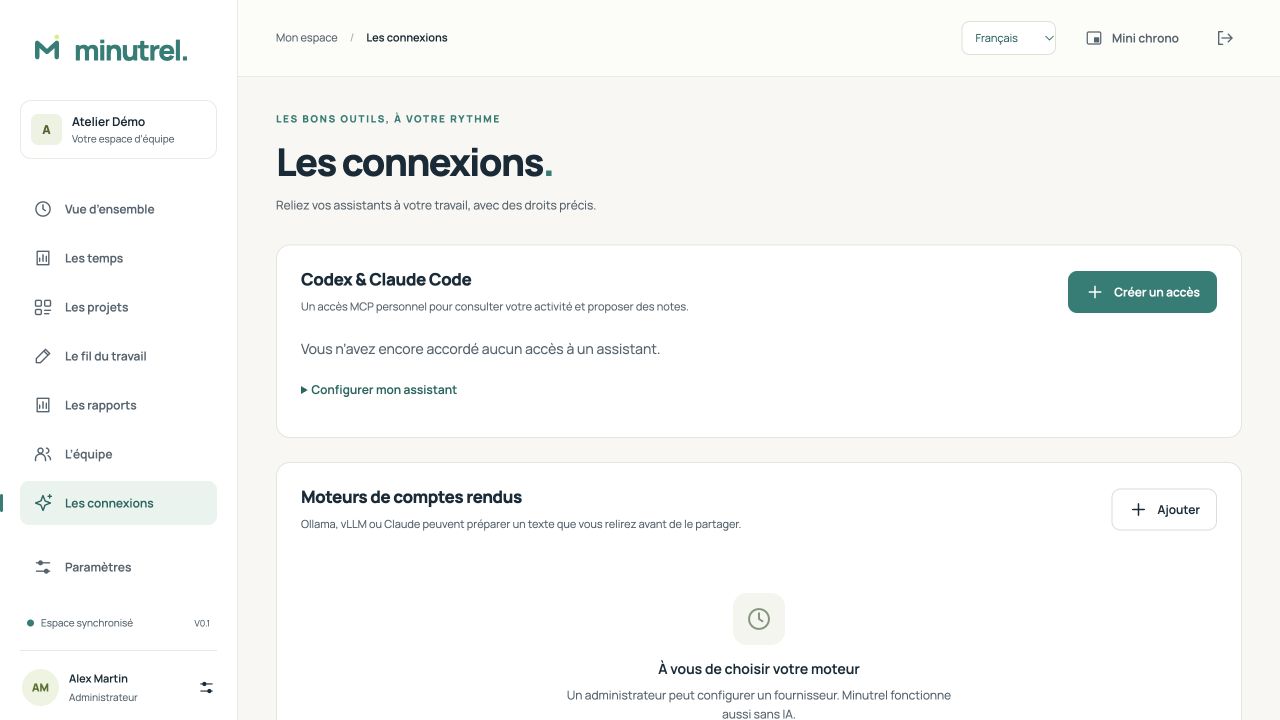
Connections you choose
Connect Codex or Claude Code through MCP, receive a proposed note by webhook, or draft a summary with Ollama, vLLM or Claude.
You grant the permissions and review the text. Durations are calculated from time entries, and Minutrel works entirely without AI.
Explore integrationsFind your bearings
App screenshots and practical instructions, from your first project to a complete backup.
On your own computer or together on your server.